 LAKE
LAKEDimensions that drive
Measure and control mesh geometry using the dimension tools inherited from Dims.
XForm
Dimension-driven modelling, CAD-style aids, connectors, constraints and editable bevels in one Blender extension.
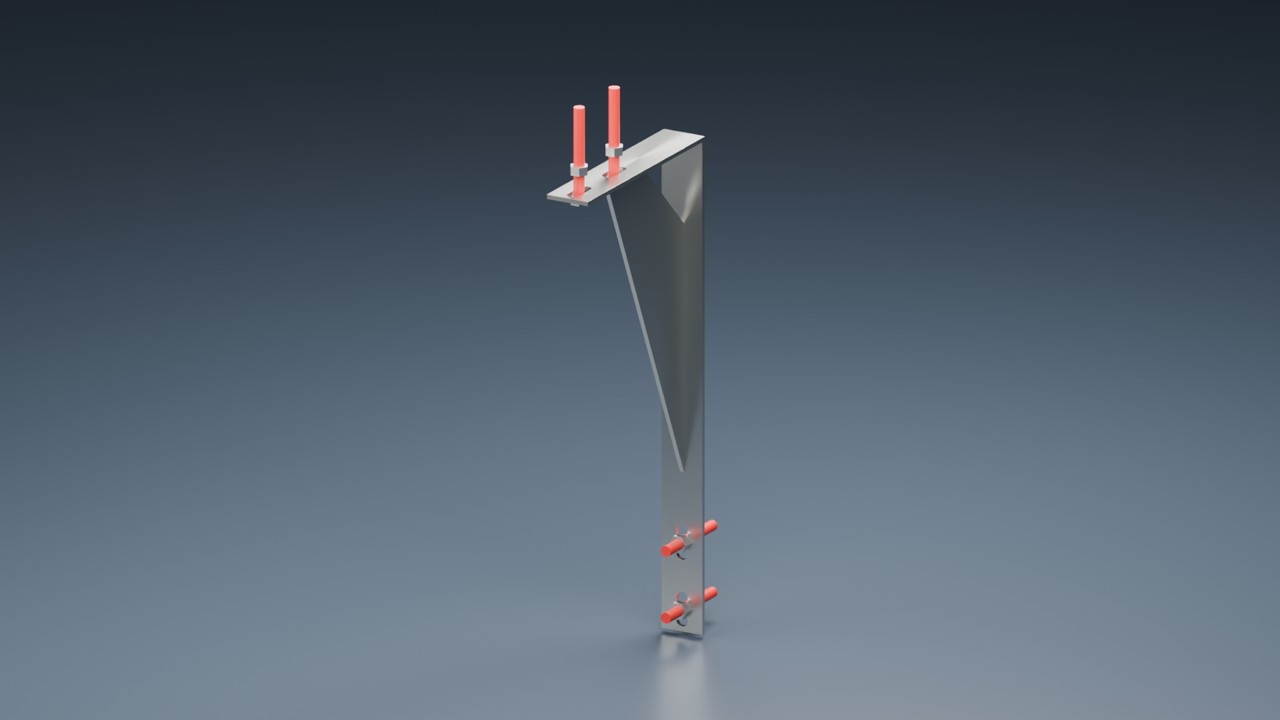
XForm brings the former Dims, Aids and Bevel Edge toolsets together. Its bundle also includes Assy, Profiles and Para as separate extensions with their own sidebars.
Measure and control mesh geometry using the dimension tools inherited from Dims.
Use work planes, object snaps and location tools. Alt+X opens the Aids tools.
Work with connectors, reference tools and 3D constraints; use the companion Assy extension for assemblies.
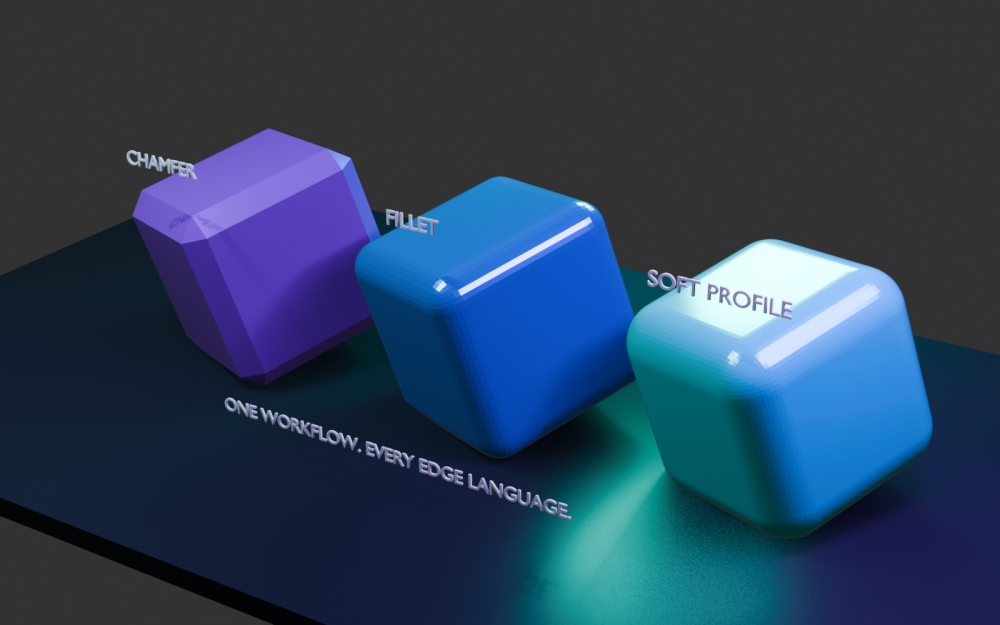
Add named chamfers and fillets, vary their width and use custom profiles without immediately applying the result.
Open any image to inspect it at full size. Captions distinguish development captures, earlier demonstrations and illustrations.
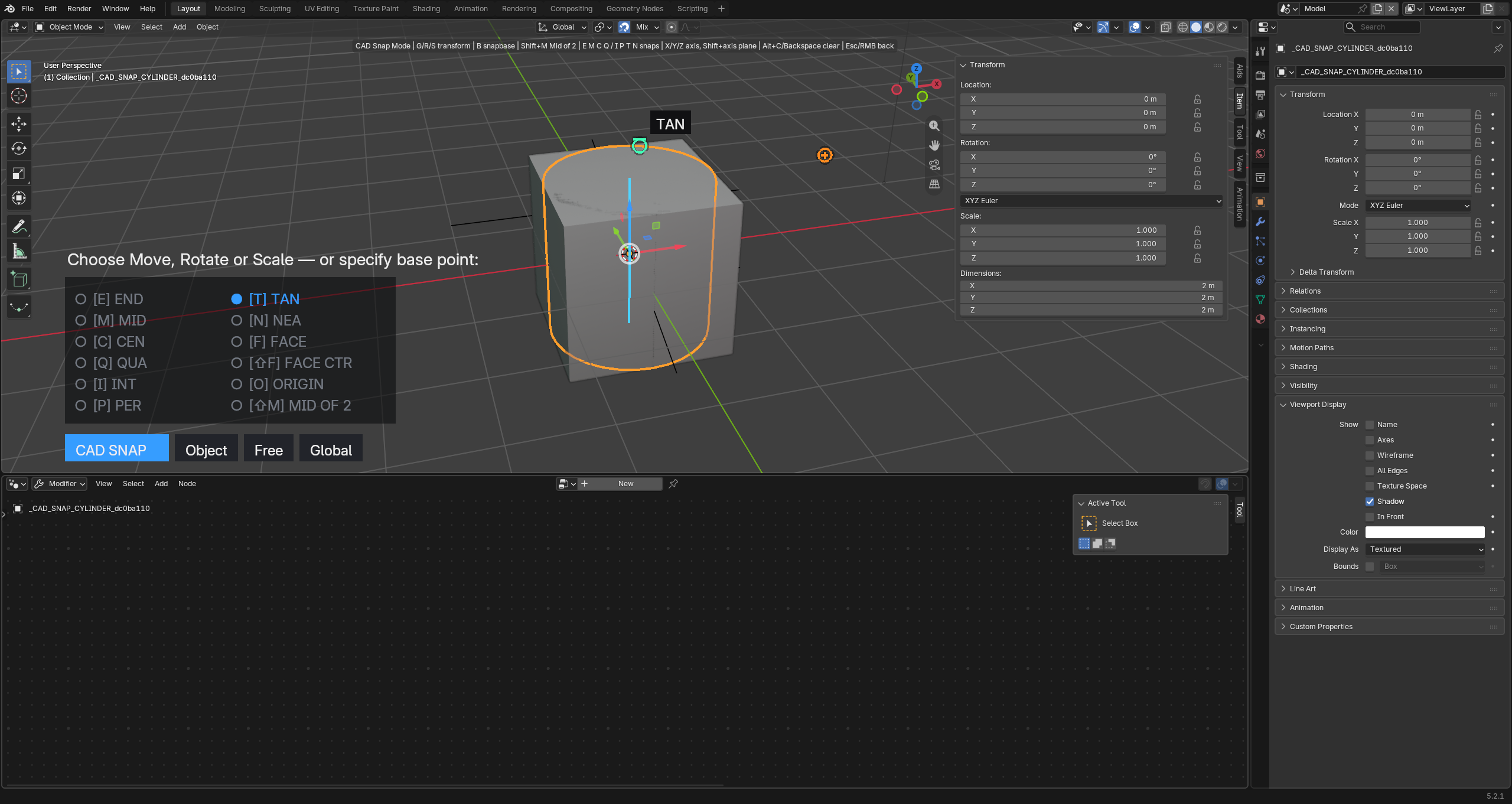
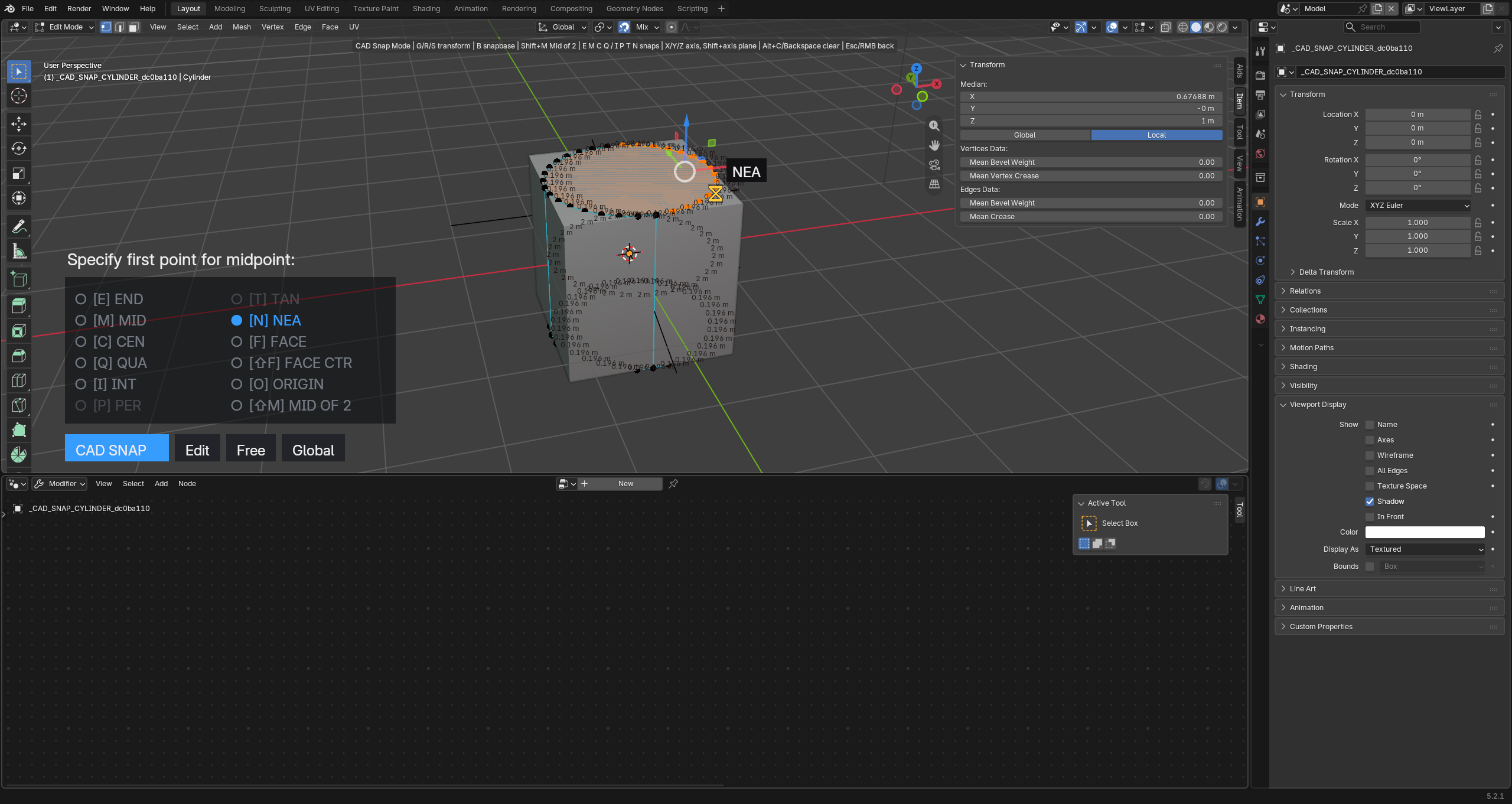
Package: XForm, Assy, Profiles, Para and Shell.
Install all five extension packages supplied in the XForm bundle. Assy is a separate extension in the current bundle. Profiles and Para are also separate; do not look for an embedded Profiles tab inside XForm.
Illustrated PDFs · Reviewed 8 October 2026 · Save a copy for reference.
Quick-start exercise: Create and revise a named mesh fillet.
Watch the six-minute development overview and jump to the product chapter.
Watch the overview