 LAKE
LAKEDraw connected runs
Create pipe runs with elbows, tees and transitions. Flexible pipes and pipework from mesh lines extend the workflow.
Piper
Draw pipe runs with DN sizes, routed fittings and equipment connectors. Develop pipework in the context of your Blender model.
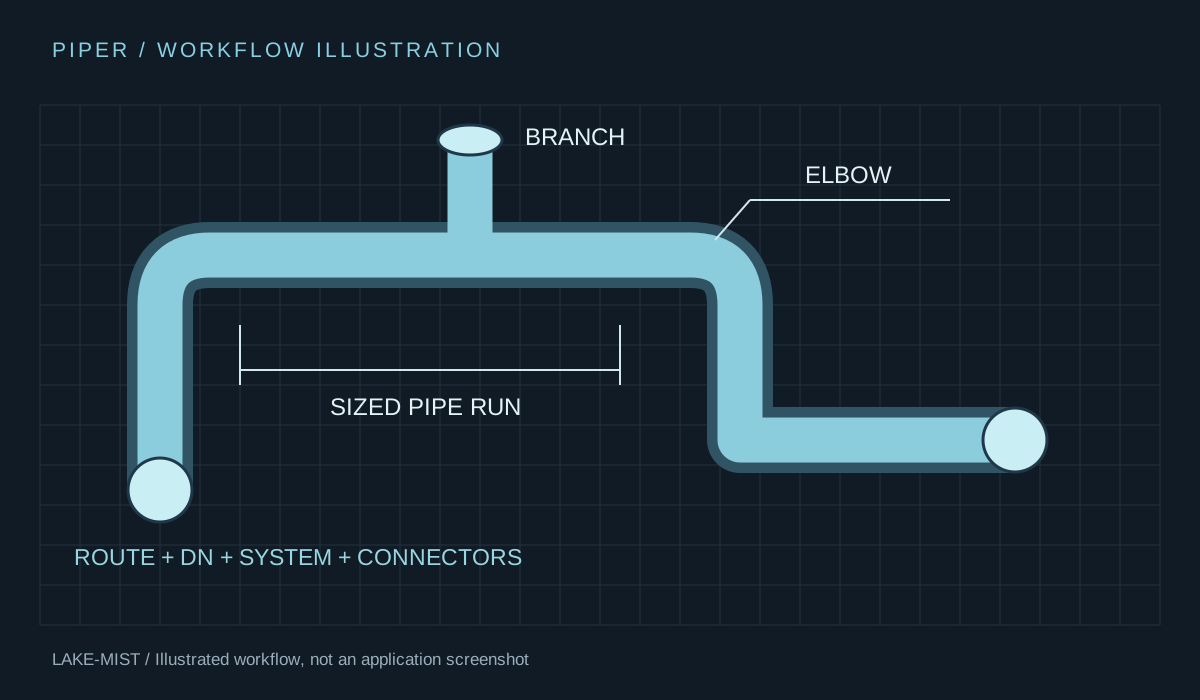
Piper combines pipe runs, fittings, system information and reusable connected parts. Choose routing definitions and sizes, then draw or revise connected pipework.
Create pipe runs with elbows, tees and transitions. Flexible pipes and pipework from mesh lines extend the workflow.
DN selection and catalogue outside diameters work with routing preferences for the chosen pipe specification.
Use equipment connectors, reusable Parts and DN-linked sizes to place components into the pipework.
Change run sizes, apply slopes, inspect systems and use routing tools to explore connections.
Open any image to inspect it at full size. Captions distinguish development captures, earlier demonstrations and illustrations.
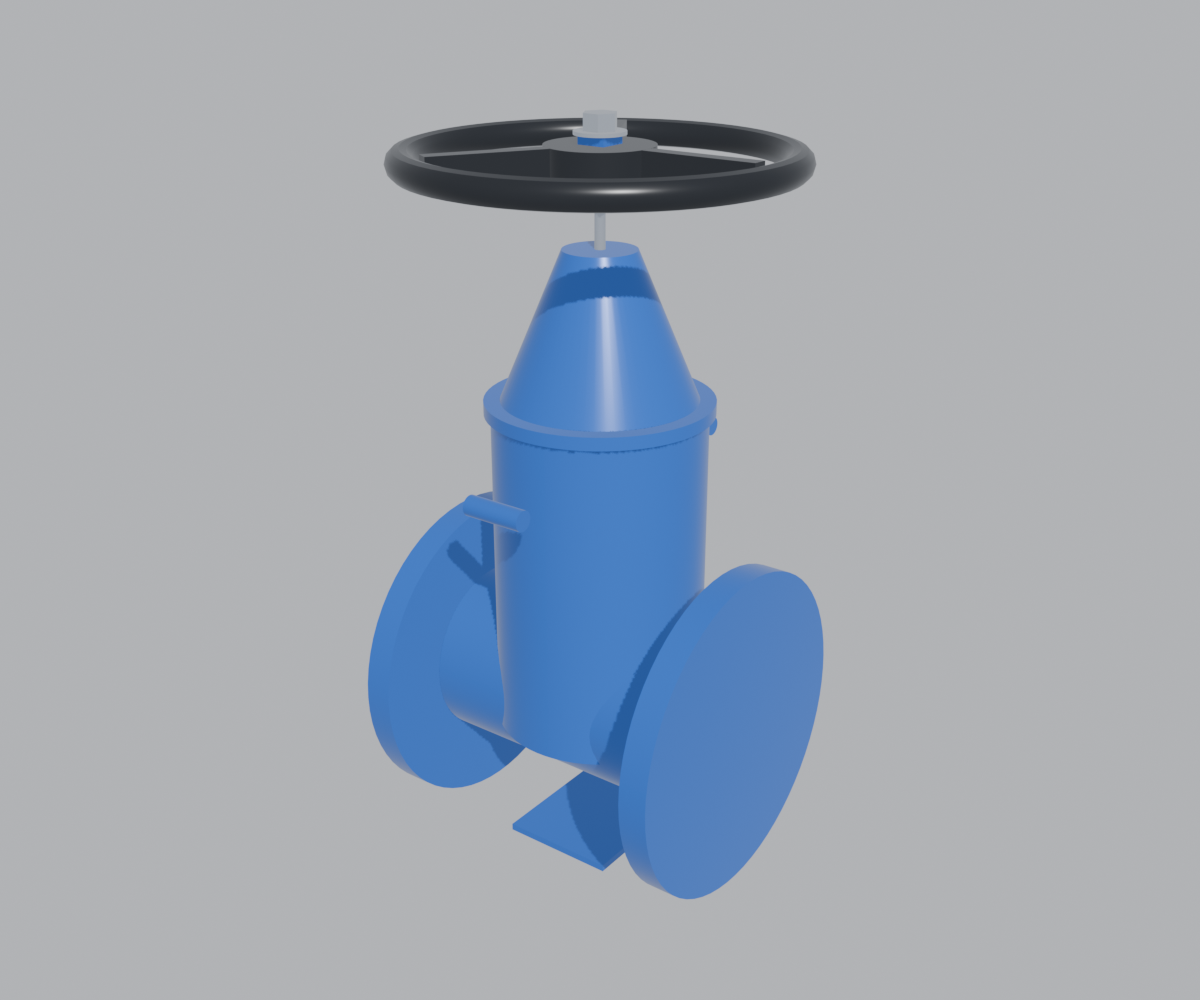
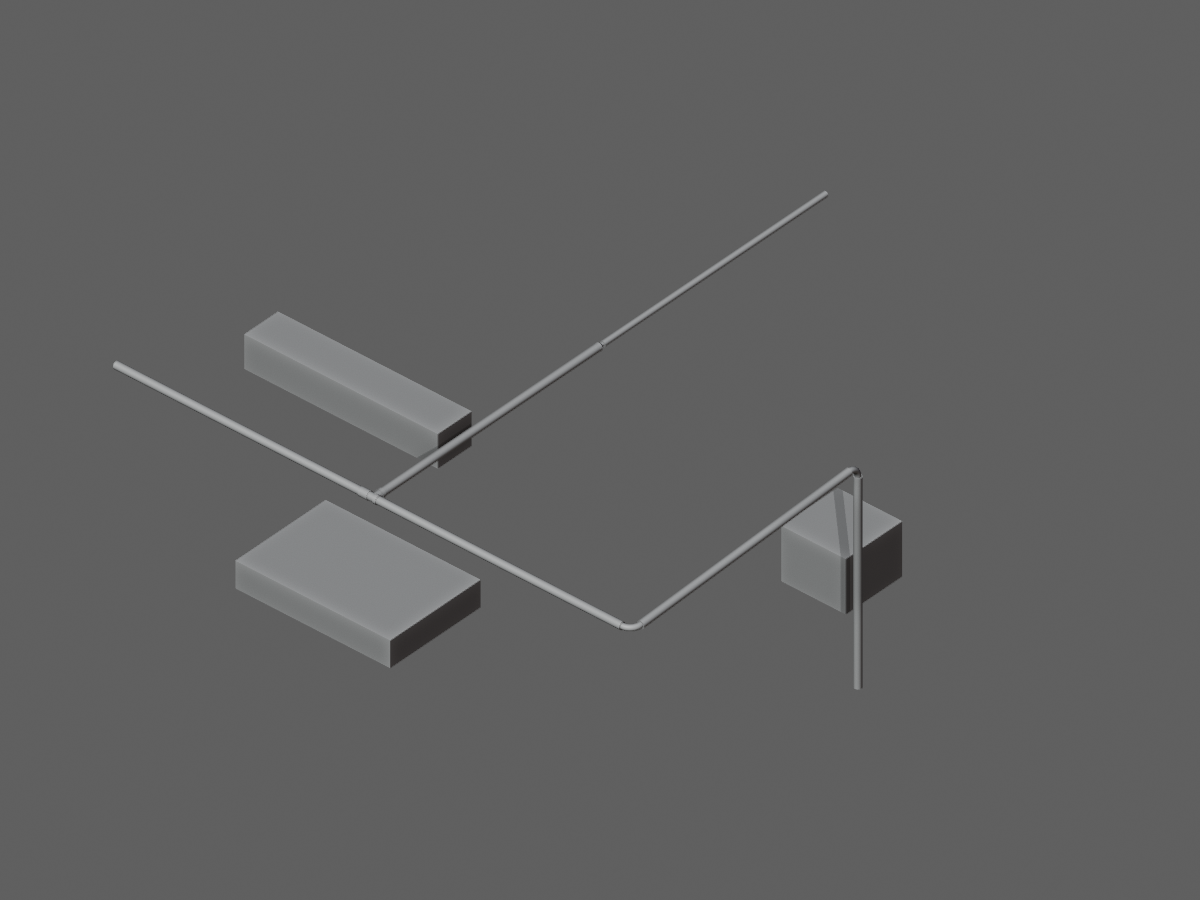
Package: Piper, XForm, Assy, Profiles, Para, Mats and Shell.
Install the full Piper bundle, including XForm, Assy, Profiles, Para, Mats and Shell. Open the Database from Piper to use its connected workflow. Database dependencies and the catalogue must be supplied/configured for the build; do not assume a standalone library launch is connected to Blender.
Illustrated PDFs · Reviewed 8 October 2026 · Save a copy for reference.
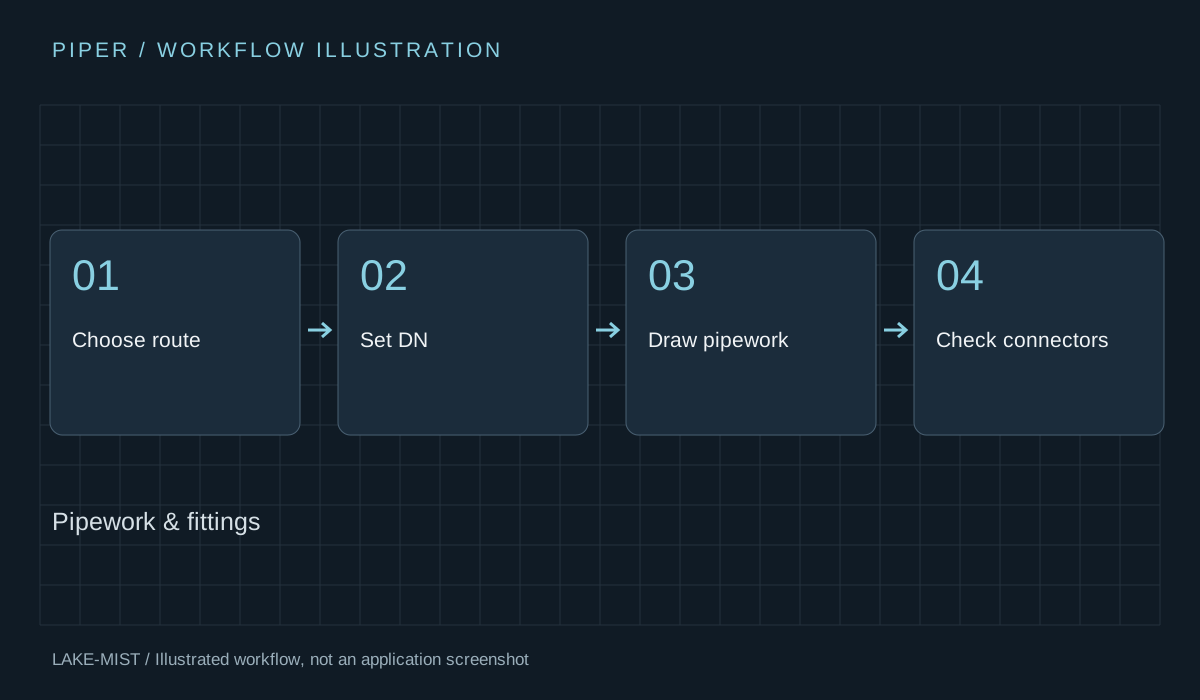
Quick-start exercise: Draw a sized pipe run with one elbow.
Watch the six-minute development overview and jump to the product chapter.
Watch the overview