 LAKE
LAKEBring difficult geometry in
Import STEP, IFC and meshes, or send selected elements directly from Revit.
ReForm
Open STEP and IFC geometry, modify solids or meshes with a focused modelling interface, and send the result to Revit.

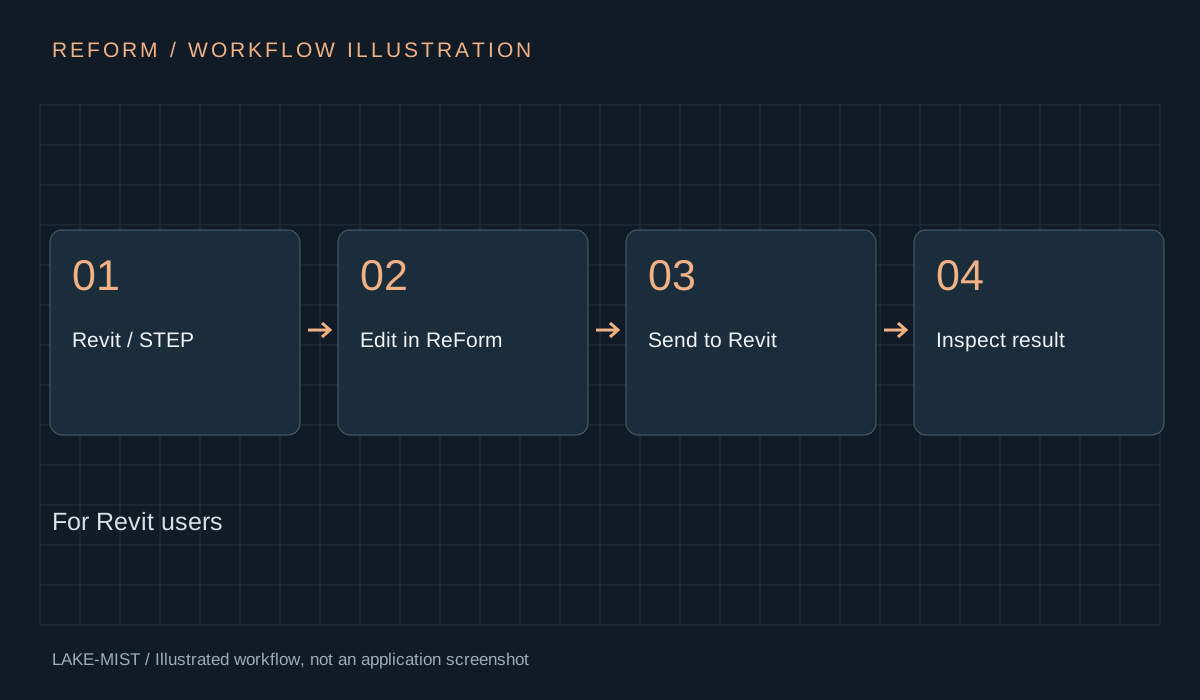
Revit cannot natively edit STEP geometry. ReForm gives Revit users a focused place to modify imported solids and meshes. Its intended linked workflow is to export selected geometry, make the edit, then return it to the same position in Revit.
Import STEP, IFC and meshes, or send selected elements directly from Revit.
Move or offset faces, remove or change radii, combine geometry, mirror parts and apply colours.
A dedicated application layout includes a properties palette, selection modes and Revit-style two-letter shortcuts.
Send edited geometry back and reload it in Revit. Replacements are rebuilt as DirectShapes, not restored as native parametric families.
Open any image to inspect it at full size. Captions distinguish development captures, earlier demonstrations and illustrations.
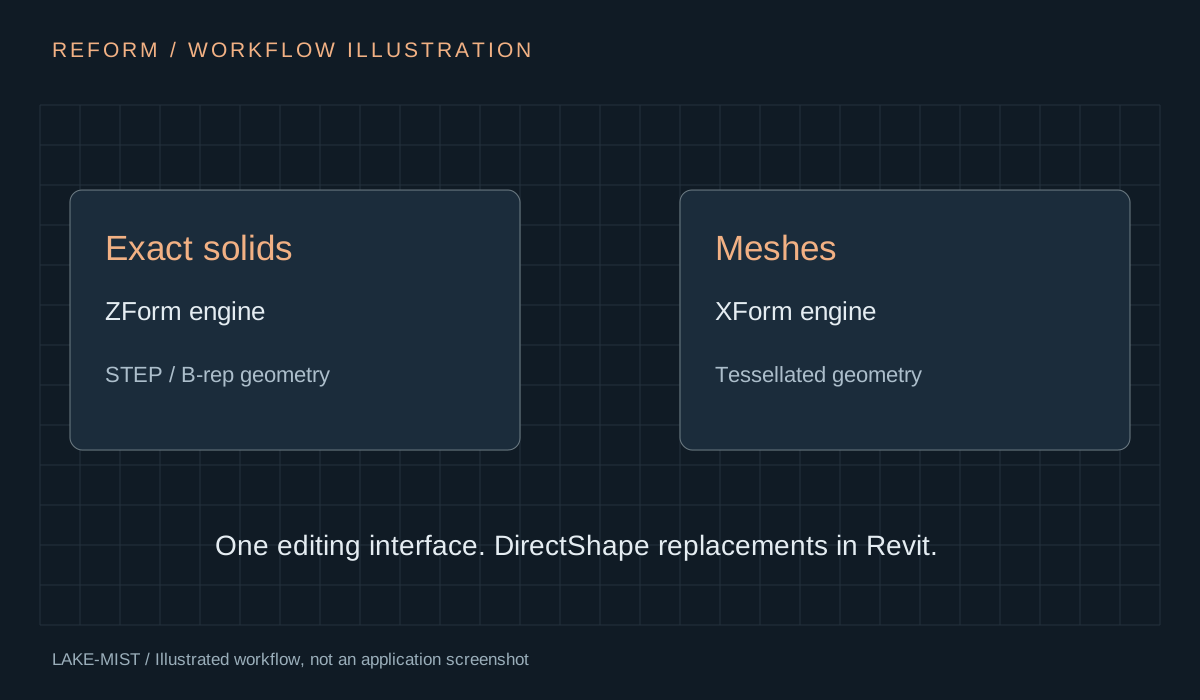
Package: Dedicated ReForm installer with ReForm, ZForm, XForm, XChange, the application template and the supplied Revit add-in builds.
Extract the complete Windows ReForm download, close Revit and run Install.cmd. Keep extensions, template, launcher and revit folders together. It installs under %LOCALAPPDATA%\ReForm with a separate Blender profile. Use the Blender runtime supplied with, or specified for, your download; the 5.3 extension build requires Blender 5.3.
Illustrated PDFs · Reviewed 8 October 2026 · Save a copy for reference.
Quick-start exercise: Edit a test element and return it to Revit.
Watch the six-minute development overview and jump to the product chapter.
Watch the overview