 LAKE
LAKEManaged views
Create Plan, Section and Viewport Views with clipping volumes, filters, drawing layers and per-object display control.
QAD
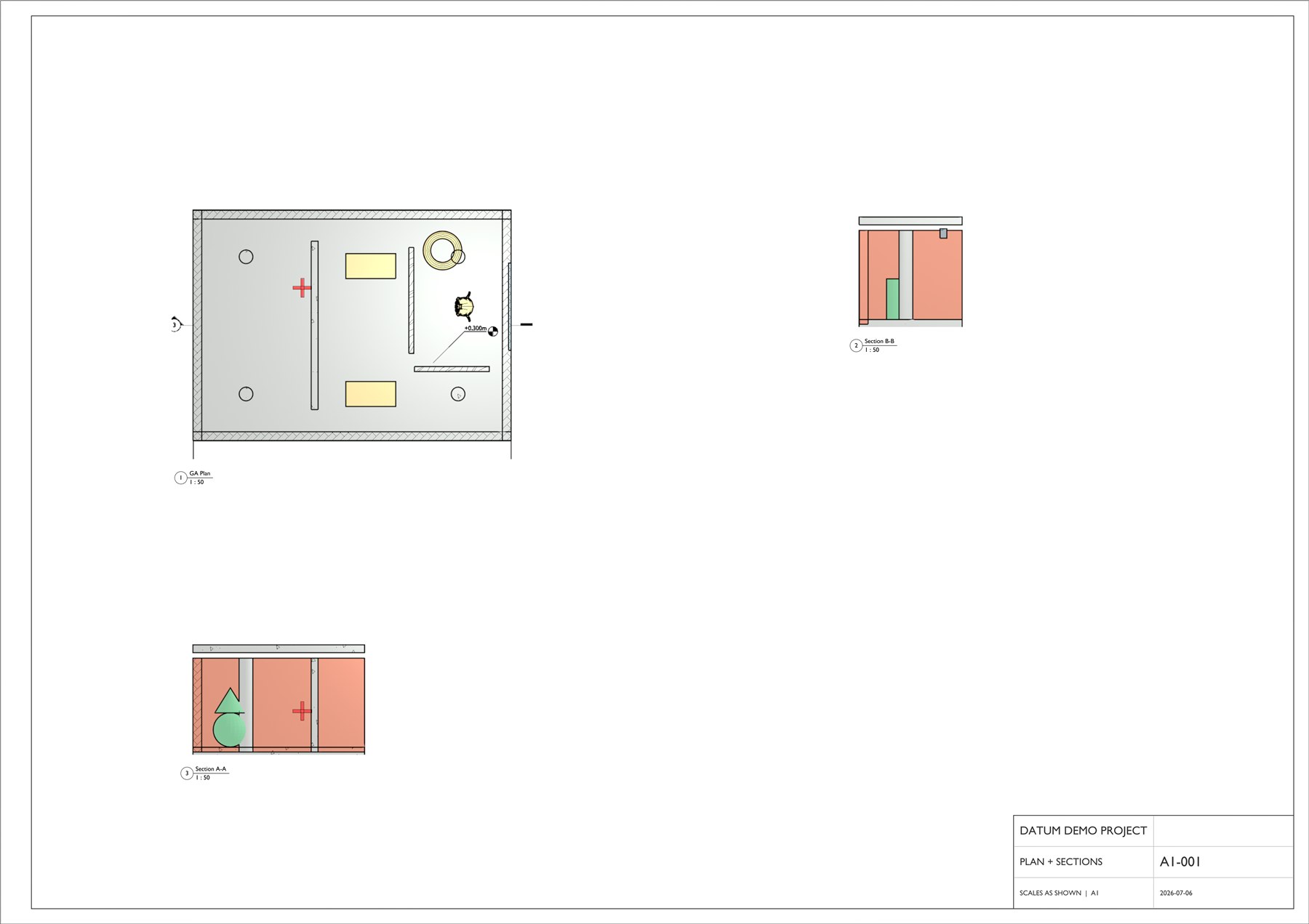
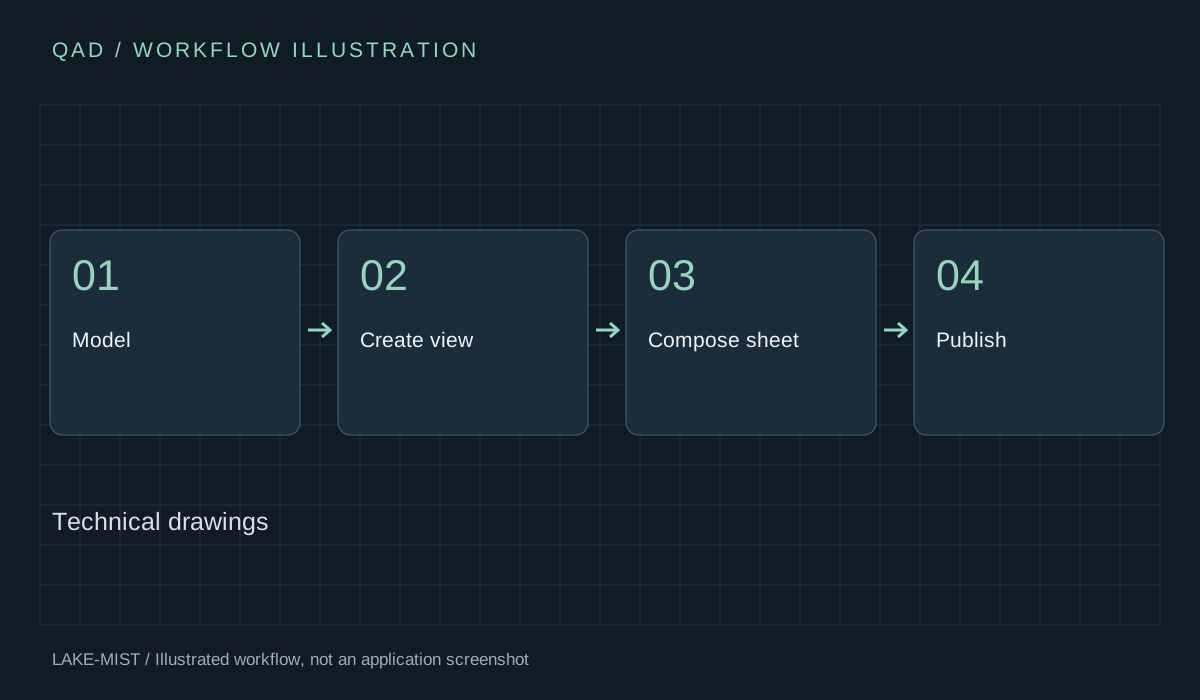
Create plans, sections and viewport views. Add dimensions and annotations, arrange sheets, and publish drawings from Blender.
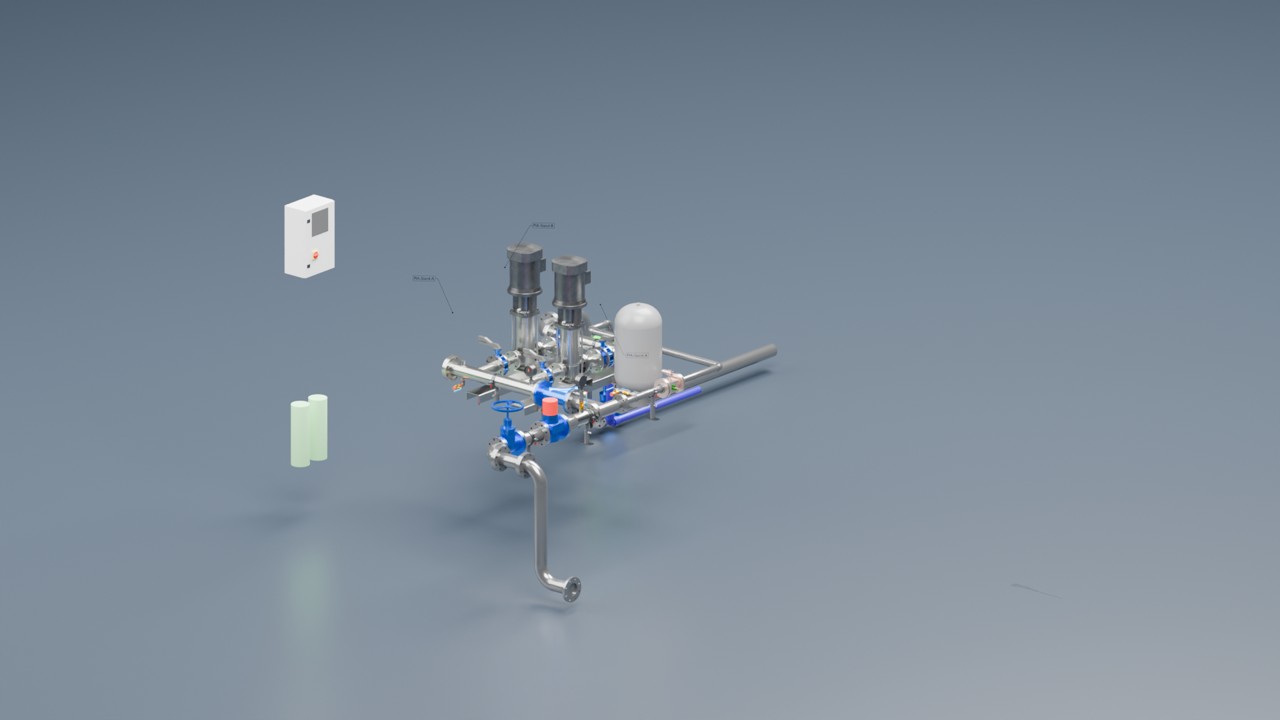
QAD replaces Datum as the Lake-Mist technical drawing manager. It connects model views, 2D annotation and paper sheets in one drawing workflow.
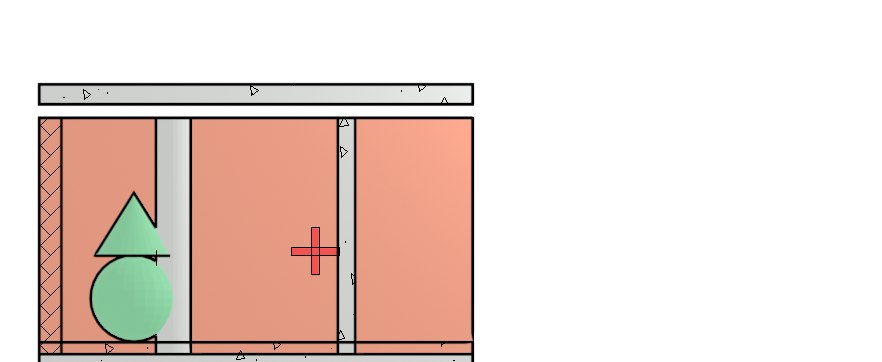
Create Plan, Section and Viewport Views with clipping volumes, filters, drawing layers and per-object display control.
CAD dimensions, symbols, gridlines and tags add information to the drawing view.
Place views at printed size, add titles and coordinate view identifiers on drawing sheets.
Output PNG, PDF, SVG, DXF and DWG. DWG uses ODA File Converter; QAD tracks out-of-date view images.
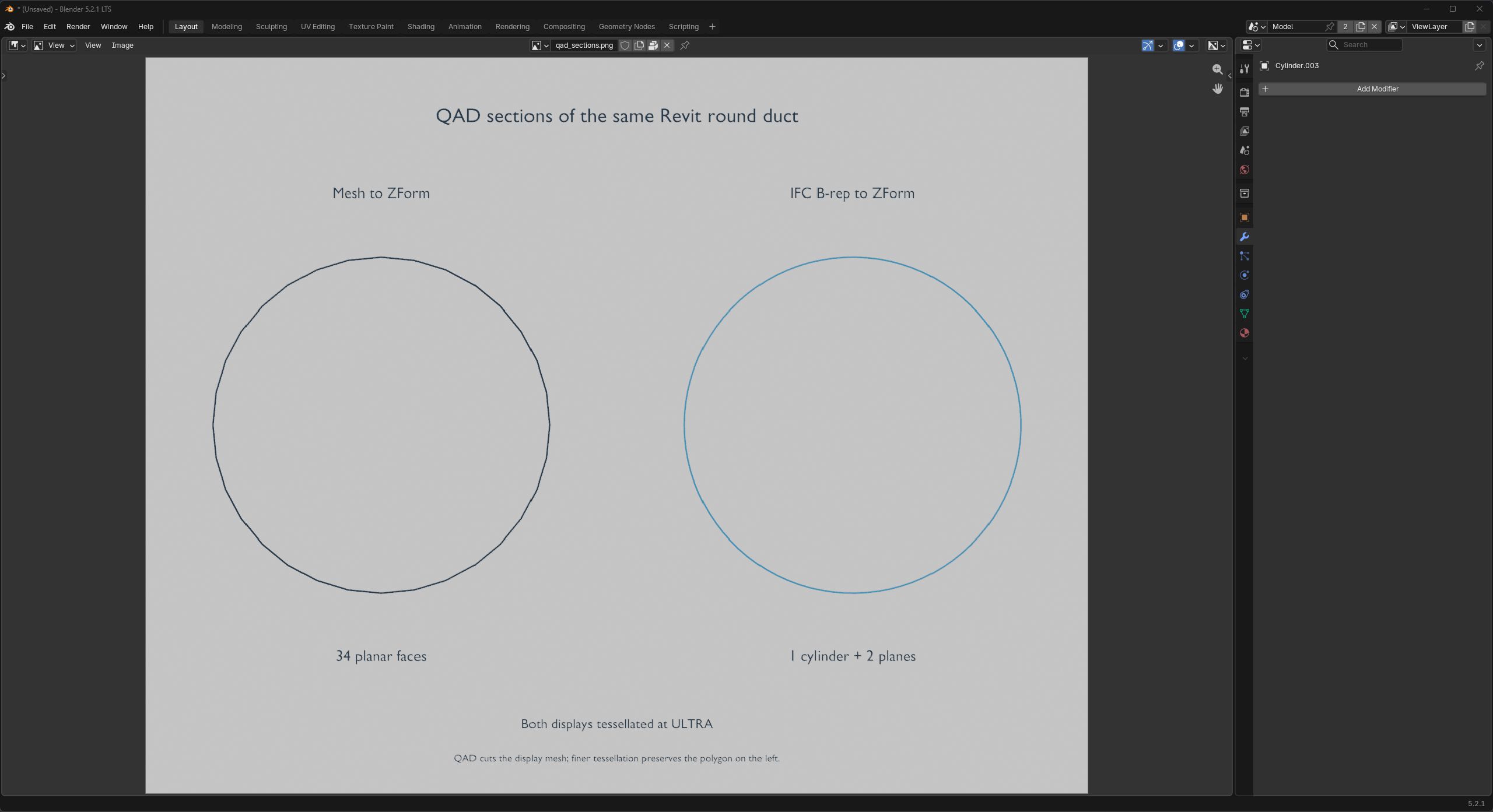
Open any image to inspect it at full size. Captions distinguish development captures, earlier demonstrations and illustrations.
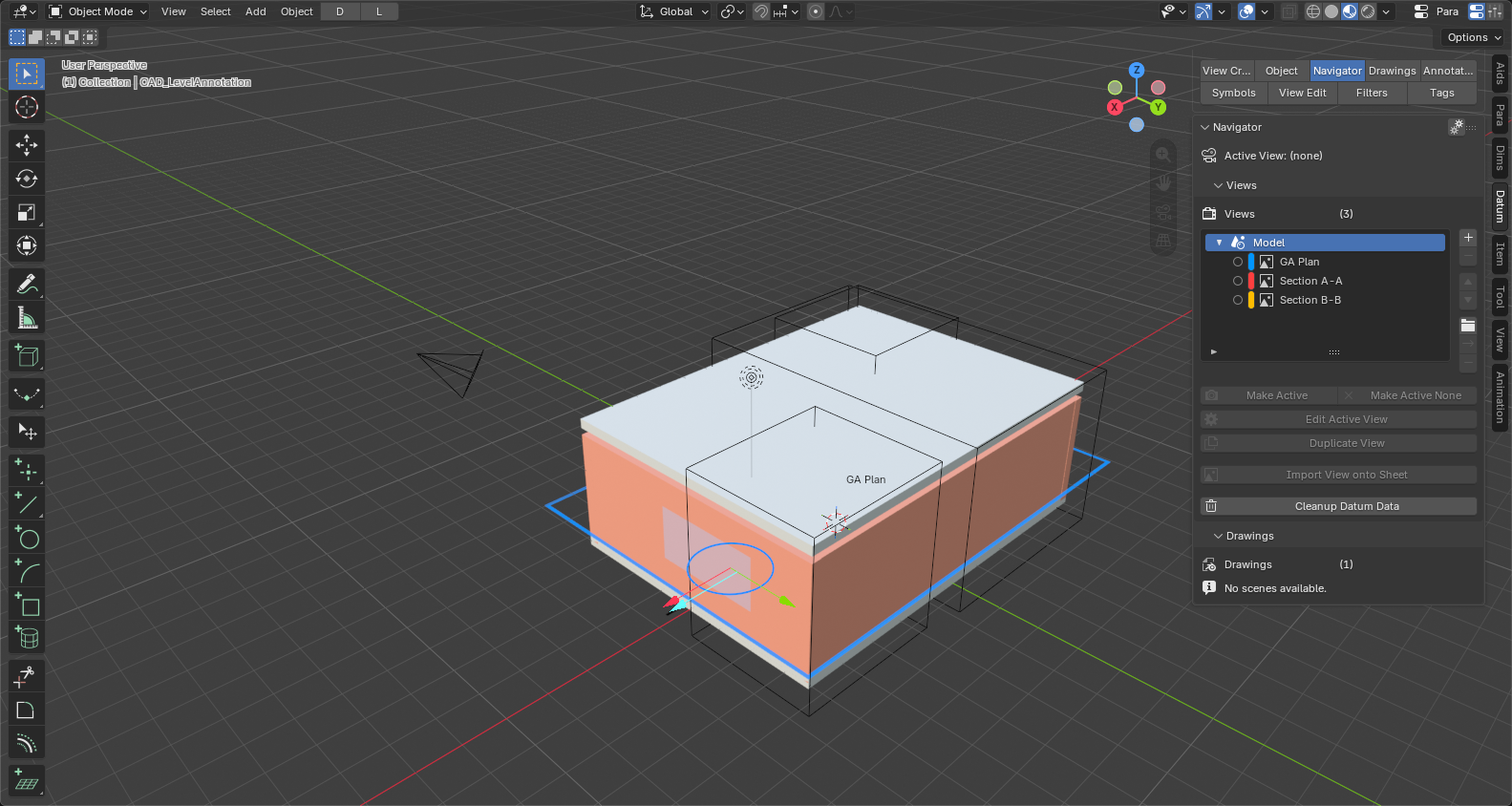
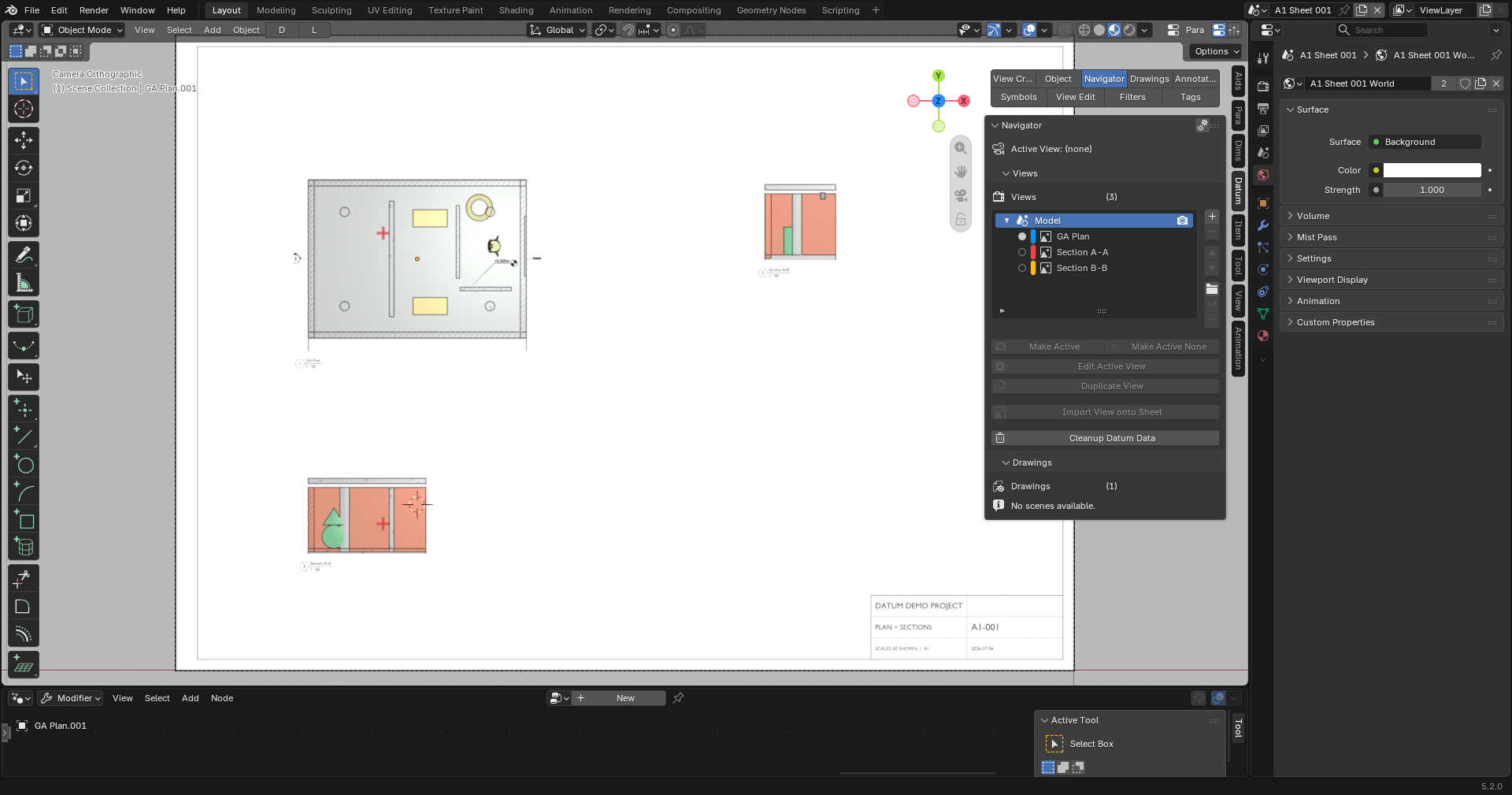
Package: QAD (or QAD Lite), XForm, Assy, Profiles, Para and Shell.
Install either QAD or QAD Lite from the supplied edition package. Do not install both editions together. Keep its companion extensions enabled. For DWG, configure the ODA File Converter path in QAD preferences; PDF and SVG do not need that converter.
Illustrated PDFs · Reviewed 8 October 2026 · Save a copy for reference.
Quick-start exercise: Make a plan and a simple PDF sheet.
Watch the six-minute development overview and jump to the product chapter.
Watch the overview