 LAKE
LAKEIFC exchange
Import and export IFC models using the bundled IfcOpenShell dependency.
XChange
Exchange IFC files and Revit packages, with a companion Revit add-in for importing Blender models into projects.
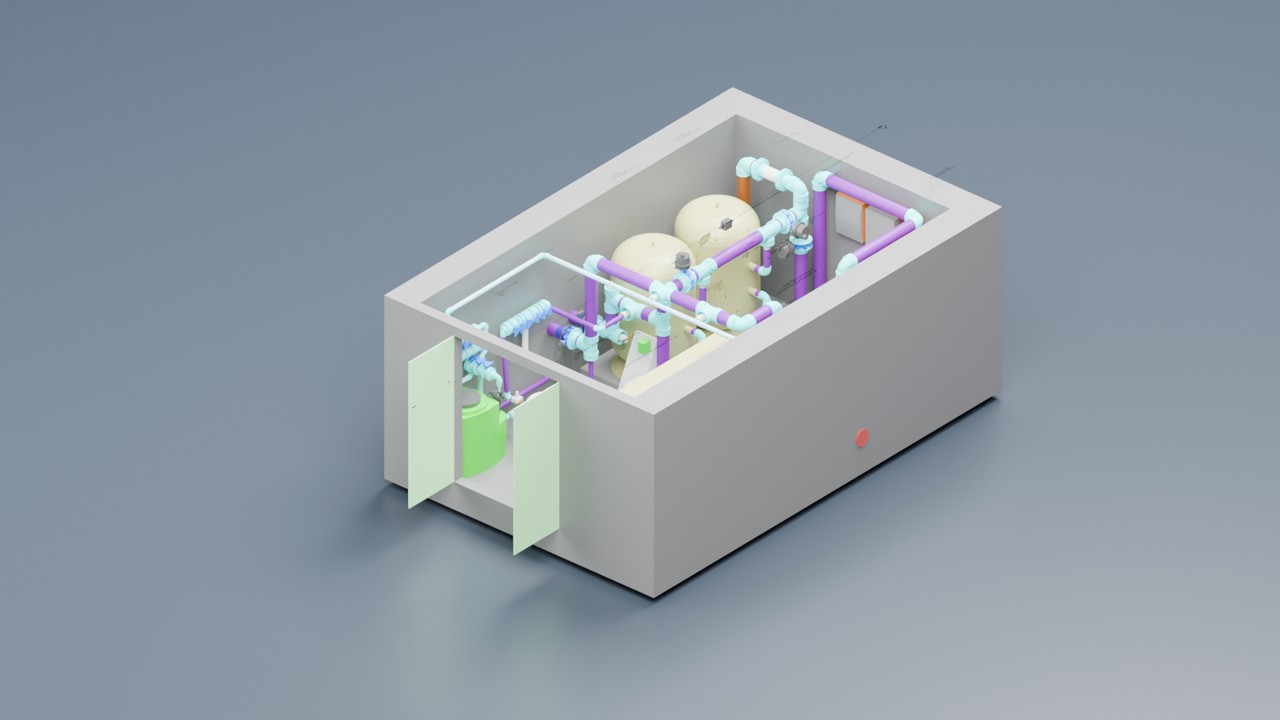
XChange handles model handover between Blender and BIM tools. Export general geometry as DirectShapes, carry Piper pipework into Revit, or bring linked project context back into Blender.
Import and export IFC models using the bundled IfcOpenShell dependency.
Export a package and import its manifest in Revit. Ordinary mesh geometry becomes categorised DirectShapes.
Piper pipes can become native Revit pipes; fittings can become families with native pipe connectors. Review type and system mappings on import.
Link a Revit model using a mesh package. Reading an .rvt requires Revit to produce the package, or an existing package to be available.
Open any image to inspect it at full size. Captions distinguish development captures, earlier demonstrations and illustrations.
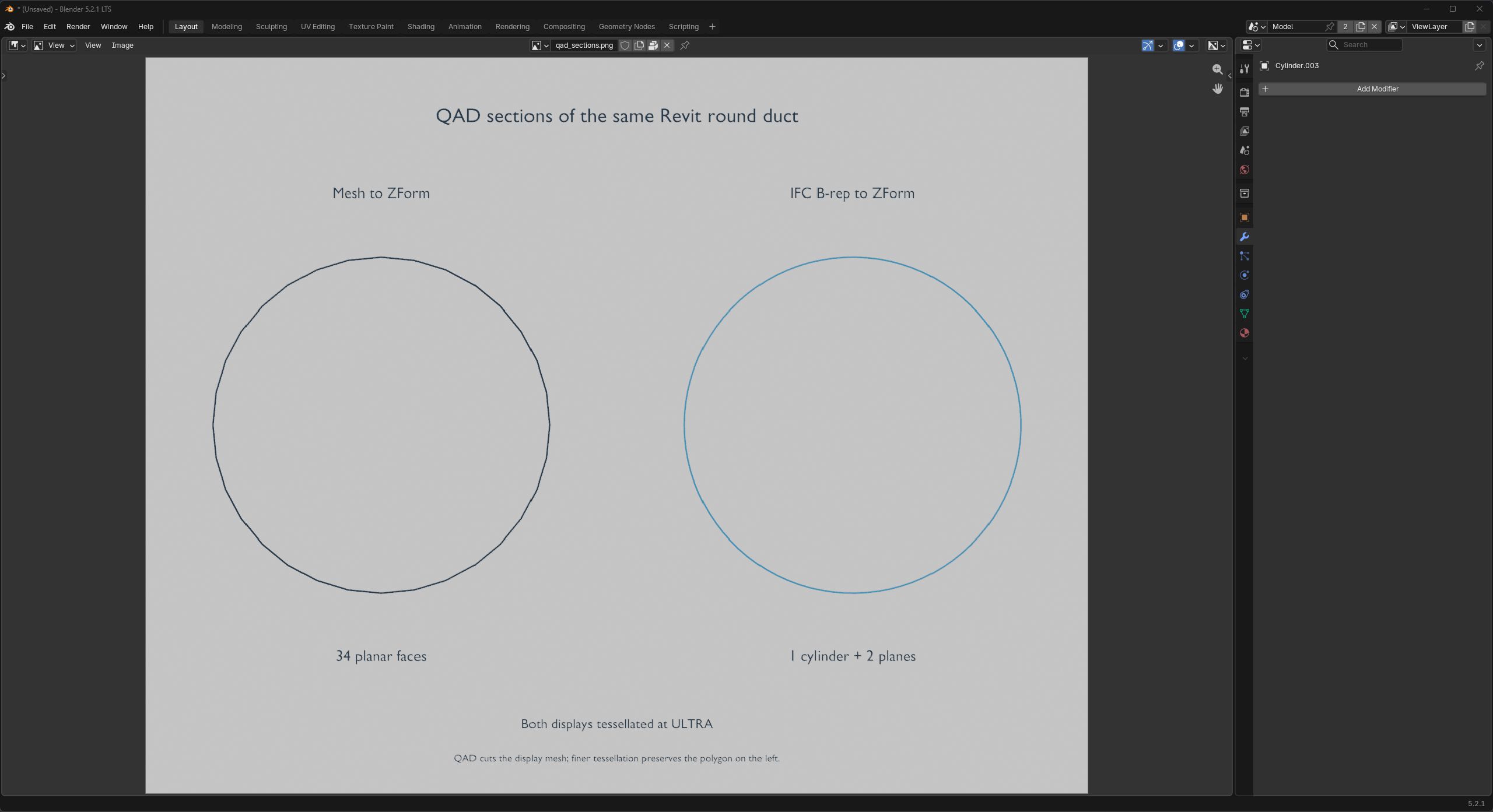
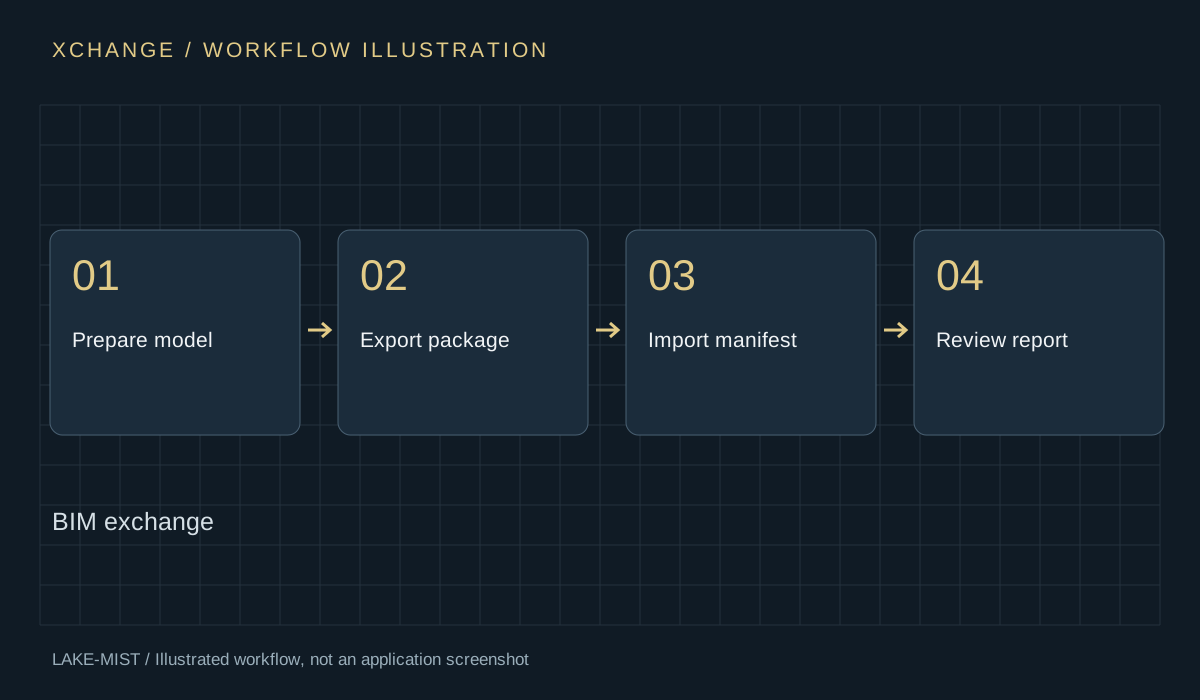
Package: XChange Blender extension; install the separate XChange for Revit package on the receiving Revit computer when using the Revit workflow.
Install the Windows x64 XChange extension ZIP in Blender. If using Revit, extract XChange-Revit-2024-2026.zip, keep its bin folder with Install.cmd, close Revit and run Install.cmd. Restart a supplied Revit version and review the add-in load prompt.
Illustrated PDFs · Reviewed 8 October 2026 · Save a copy for reference.
Quick-start exercise: Transfer a test block from Blender to Revit.
Watch the six-minute development overview and jump to the product chapter.
Watch the overview